
Search Our Database
How to Disable Directory Browsing Globally in WHM
Introduction
Directory browsing displays files inside a folder when no index file is available. This guide explains how to disable it globally for all websites hosted on a WHM server.
Prerequisites
- Access to WHM with root privileges
- Basic knowledge of WHM navigation
Step-by-Step Guide
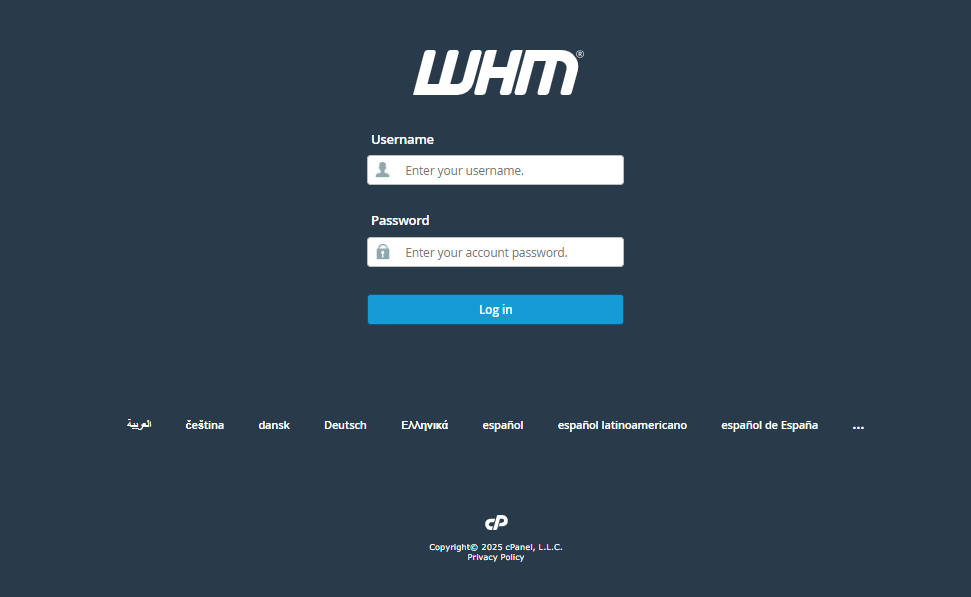
Step 1: Log in to WHM
- Login to your cPanel control panel with root privileges.
- The URL to your cPanel typically will be like <domain>:2087 or <server IP>:2087.
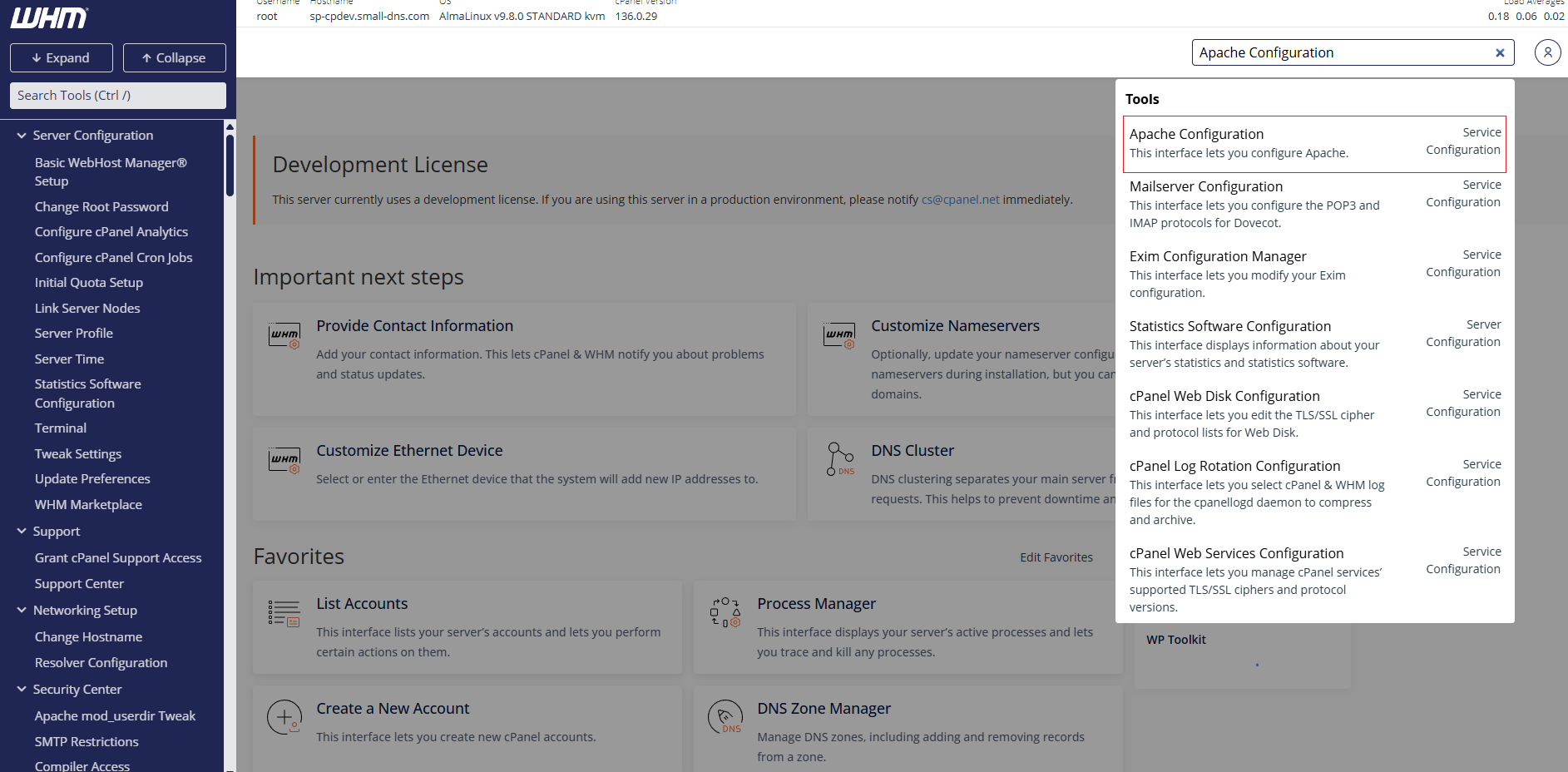
Step 2: Open Apache Configuration
- In the WHM search bar, search for Apache Configuration.
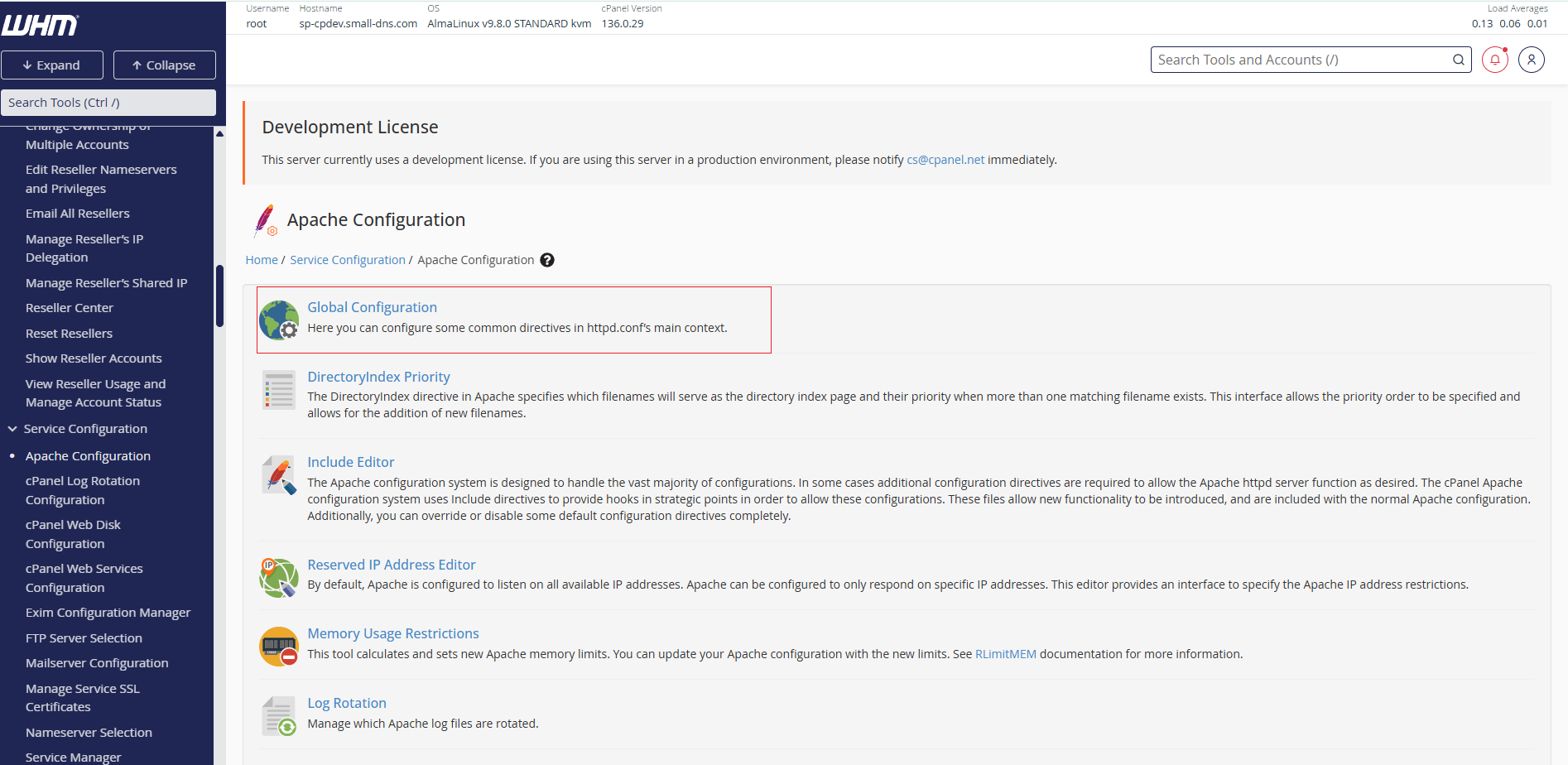
- Select Global Configuration.
Step 3: Disable Directory Browsing
- Locate Directory “/” Options.
- Untick Indexes.
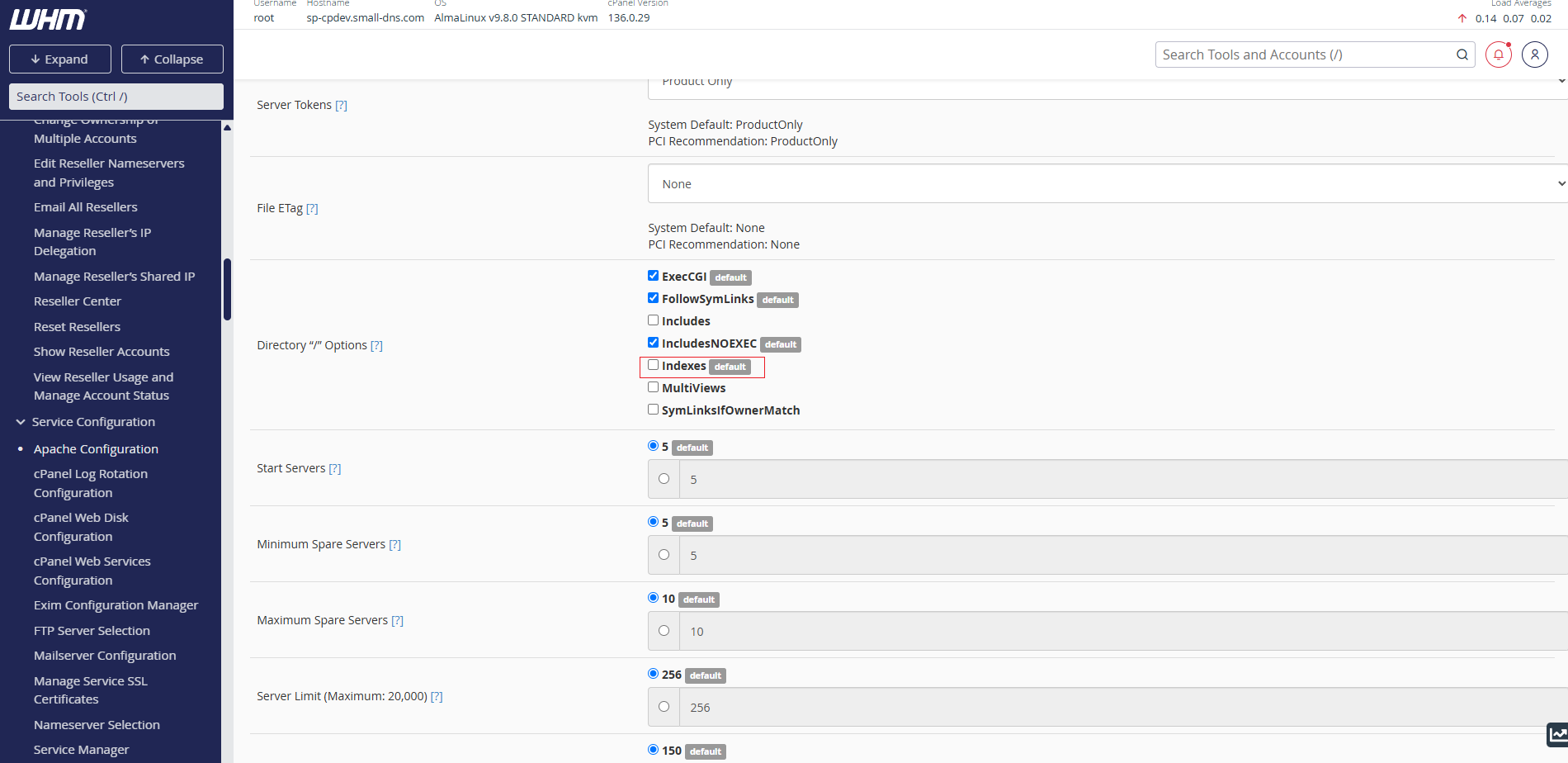
- Click Save.
Step 4: Restart Apache
- On the next page, click Rebuild Configuration and Restart Apache.
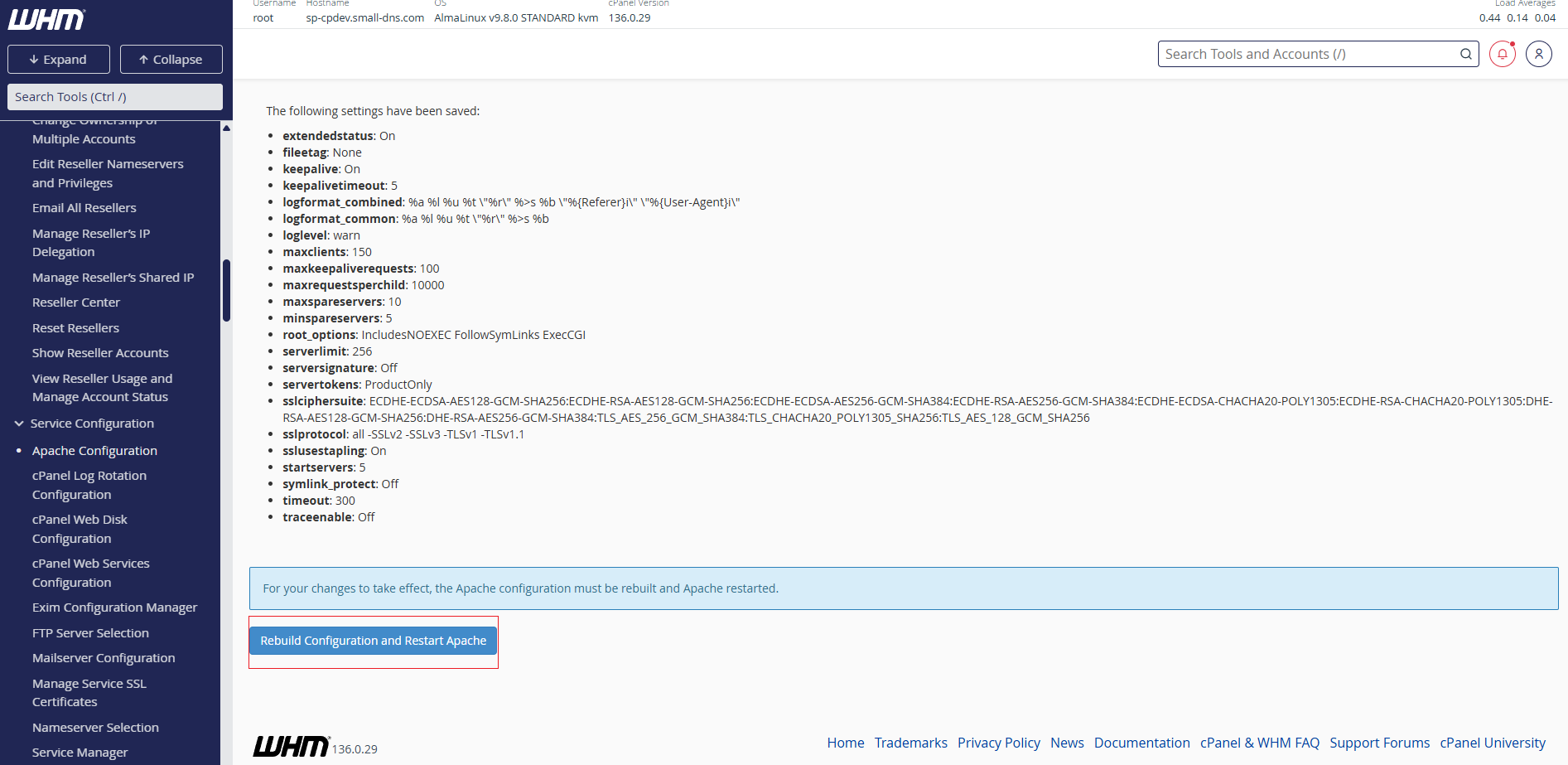
- Wait for the process to complete successfully.
Conclusion
Directory browsing is now disabled globally. Websites without an index file should display a 403 Forbidden page instead of listing directory contents.
Should you encounter any issues, contact our support team at support@ipserverone.com